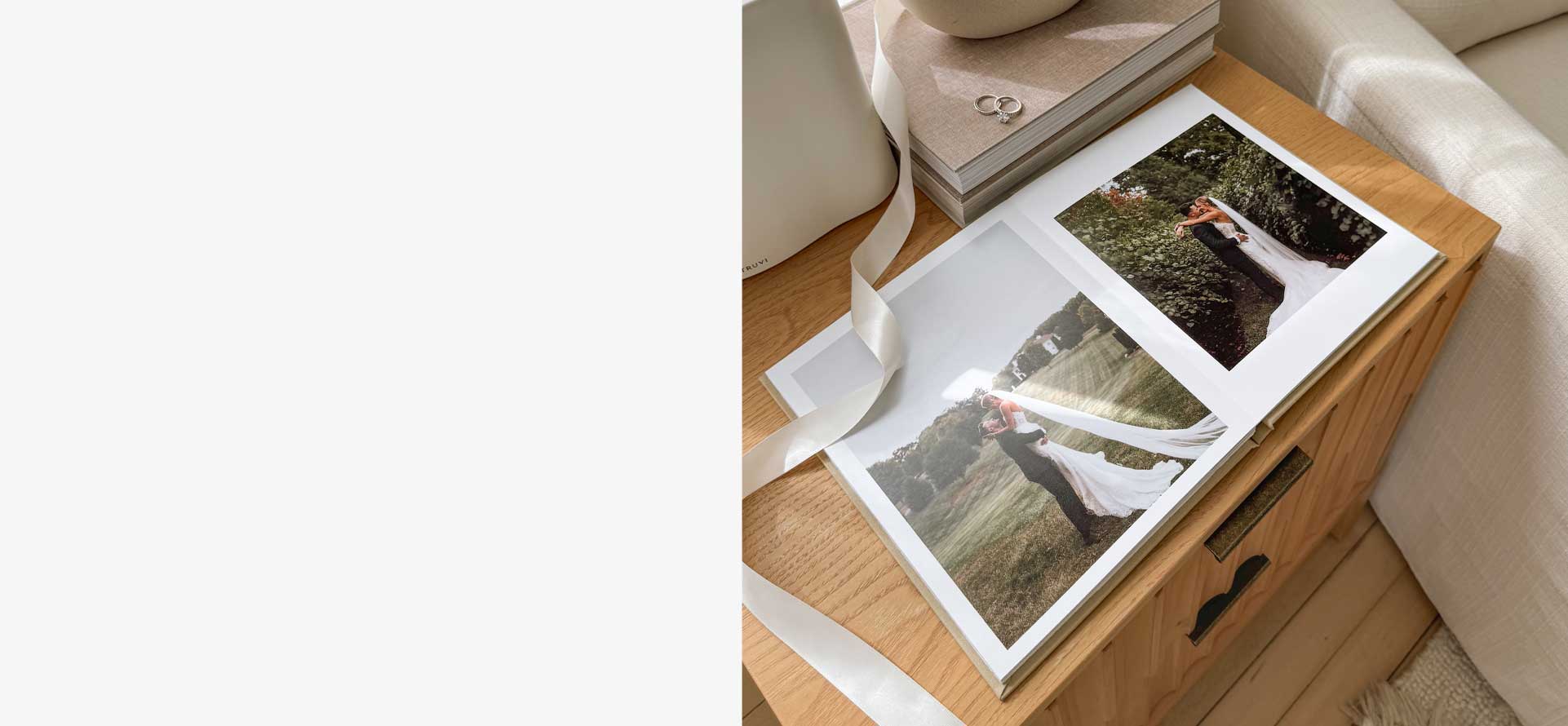
We got married back in 2022. And, slightly embarrassingly for someone who runs a photo-book company, I only finally made our own wedding album last year.
The truth is simple: I spend most of my time working on other people’s photo books. My own always slipped to the bottom of the list.
But when I finally sat down to make it, I realised something important — creating a beautiful wedding photo book doesn’t need to be complicated. It just needs a clear process. This is exactly how I made ours.
1. Start with the right photos
Our photographer weddingdayphotos.co.uk sent us a USB drive with what they considered the best images from the day — all beautifully edited.
The only problem? There were 1,390 photos.
At Inkifi, we usually recommend around 120 photos across 60–70 pages for a luxury wedding album. That gives you a book that feels rich and complete without becoming cluttered. So my job was to get from 1,390 photos down to roughly one in ten.
What helped was thinking in terms of the story of the day:
- The bridal party getting ready
- The groomsmen getting ready
- The walk to the ceremony
- The service
- After the ceremony
- The reception
- The speeches
- The first dance
- The party afterwards
Within each part of the day, I looked for two types of images:
- Unstaged moments — laughter, nerves, hugs, little glances. These are always my favourites.
- A few classic portraits — the ones everyone expects to see.
One thing I’m always careful about is making sure everyone important appears at least once. A wedding album lives on a coffee table. Friends and family will leaf through it. Including a full group shot is an easy way to make sure nobody feels left out.
To keep it simple, I created a folder on my computer called “Book”. I went through every photo in order, and whenever one felt right, I copied it into that folder.
That first pass left me with around 300 images. I then went through those again and trimmed it down to about 120 photos — the ones that best told the story of the day.
That part takes time. It’s also the hardest part. Once it’s done, everything else is straightforward.
2. Choose the right book
For our album, I chose the Luxury Linen Wedding Album.
It’s the most pemium book we make: a real fabric cover, foil-stamped title, and layflat pages printed on Fuji photo paper with deep blacks, sharp detail and long-term durability. It’s designed to be an heirloom.
I went for the 10 × 10 inch size — big enough to feel special, but perfect for a coffee table. I chose a cream linen cover and kept the title simple:
Paul & Naomi — 22.07.2022
3. Upload and design
Once the book is selected, you just upload your photos into the editor. You can either let the system automatically place them, or drag them into the page layouts yourself.
The templates are designed to make the most of your images, so even if you don’t touch a thing, the book already looks good.
If you add extra pages, the layout from the previous page is carried forward, which makes it easy to extend the book while keeping a consistent look.
4. Place the order
Once you’re happy, you place the order. Within 3–4 working days, the finished album arrives — a real, tangible record of your wedding day, ready to live on your coffee table and be passed around for years to come.
— Paul Mosley, Founder of Inkifi